
Getting the Best From Articulators AI Article Writer
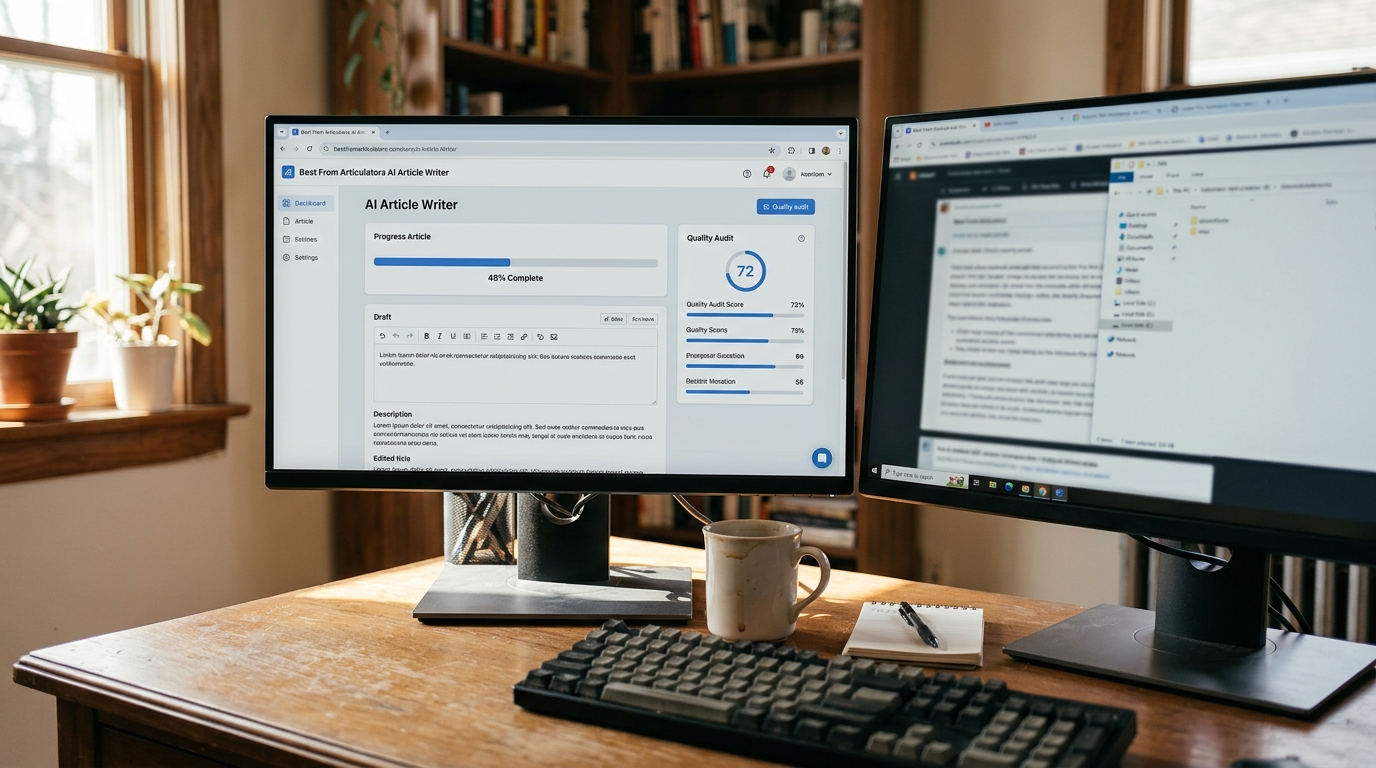
To get the best results from an AI article writer like Articulator, feed it your direct experience and stop auditing once your score passes 70. Chasing a score of 95 or 98 wastes time and credits. Search performance comes from original viewpoints and clean structure, not from gaming an automated score to show a near-perfect number.
As I built Articulator, I have an obvious commercial stake here. Here is what the run actually looks like in time and words. Articulator currently has a limit of 5,000 words per article and generating a fully finished article from start to finish can be done in as little as 10 minutes but if it's a detailed and difficult topic requiring multiple audits it's possible that it can take up to an hour. While that's significantly longer than using an LLM such as ChatGPT or Claude or even a dedicated AI writing tool like Surfer, it will produce considerably better results with high quality articles that weave your real experience and expertise into them. This is important because it's what the Google algorithms and LLMs have openly stated to be part of their algorithm. These real human elements are considerably more important than your score. Everything below is about spending that extra time in the right places.
Preparation Requirements and Keyword Selection
Before opening the software, gather your core materials. Having these assets ready keeps the writing process fast and prevents thin, generic output.
| Item | Purpose | Source |
|---|---|---|
| Target keyword and title | Sets the search intent and core topic | Keyword tool or search data |
| Personal notes and data | Provides real experience that AI cannot invent | Your own project logs or notes |
| Reference links | Gives external context and source validation | Industry sites and documentation |
| Author bio details | Establishes the writer's perspective | Your team profile |
| Account access | Provides generation and audit credits | 7-day trial or paid tier |
Account access is the one item on that list you have to pay for, so here is how that works. Anyone can take advantage of the 7-day free trial which gives a limited amount of credits to the user and if they are happy with the quality of Articulator's articles we have some great plans starting at just $12 per month which provides 25 credits. This is enough to complete around 16 audited articles of high quality. For highest volume users we offer a $35 per month tier which enables you to plug into your Google Cloud account via an API and benefit from unlimited generations meaning that you never need to purchase credits again.
- Research a keyword and article title that match your exact commercial goals.
The kit list for this first step is shorter than most people expect. Using a keyword research tool is helpful but not essential. Ahrefs, Google Keyword Planner and SEM Rush (which has a free trial) are the most popular, but they are not essential. You won't need any tools other than Articulator but having some of your ideas that you really want to get across pre-prepared will help the quality and performance of the final article. Those pre-prepared ideas are what the framework step turns into instructions.
Building and Refining Your Article Framework
- Create your article framework with clear deliverables and named entities. Type out what the piece needs to deliver from start to finish. List any specific products, brands, tools, or services you want the text to cover. Outline the required ending, such as a final decision, a summary, or a product roundup. A detailed outline prevents the software from wandering into generic filler.
- Click the sharpen my framework button to identify structural gaps. The tool evaluates your initial outline against competitive search patterns. It then returns a short set of follow-up questions designed to draw out missing context. Answer these questions thoroughly. Adding these specific details early gives the generator the exact boundaries it needs to build a coherent article.
Running the Interactive Interview and Choosing Raw Mode
- Generate your interview questions and answer them using your own voice. The platform creates questions based on your refined outline to extract your real-world observations. You can either type your responses or dictate them using speech-to-text. If a question addresses a point you do not know offhand, pause and look up the data. Provide clear opinions and distinct viewpoints rather than repeating basic summaries found across search results.
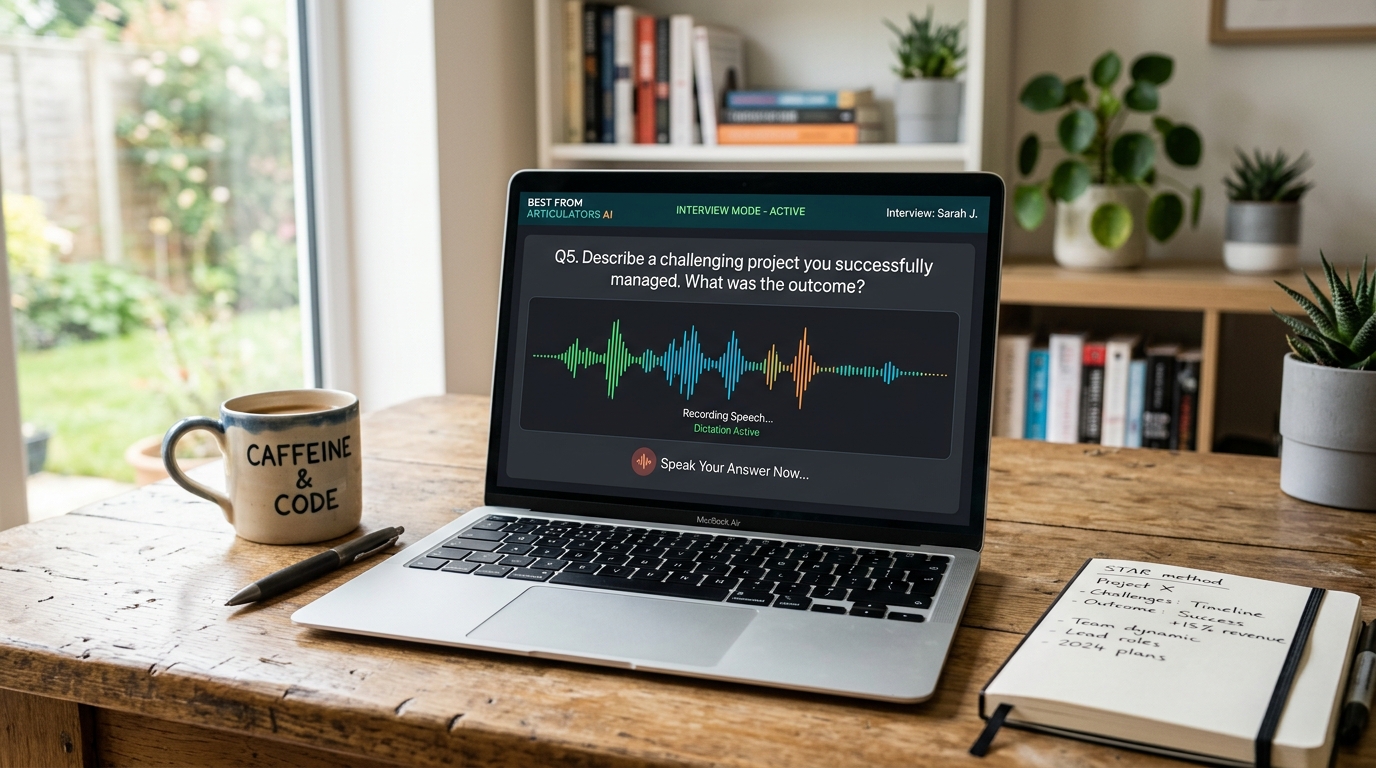
- Select raw transcript mode for your recorded answers. The software will ask whether to use your raw answer or an AI-polished version. Choose the raw answer. Raw text preserves your natural speech rhythm, contractions, and word choices. AI rewriting introduces mechanical predictability into vocabulary selection, a property known as low perplexity. Automated detection tools spot these predictable text patterns quickly. Google has stated that helpful automated content is acceptable, but retaining raw sentence patterns ensures your text reads naturally and protects it against future algorithmic shifts. Check your raw text briefly to remove obvious typos so the draft reads cleanly.
Reviewing the Draft and Running the Quality Audit
- Read through the generated draft to catch local inconsistencies. Every draft produced by machine models can contain small errors, repetitive phrases, or awkward phrasing. Read the text from top to bottom. Make manual edits to any sections that fail to match your personal style or operational standards.
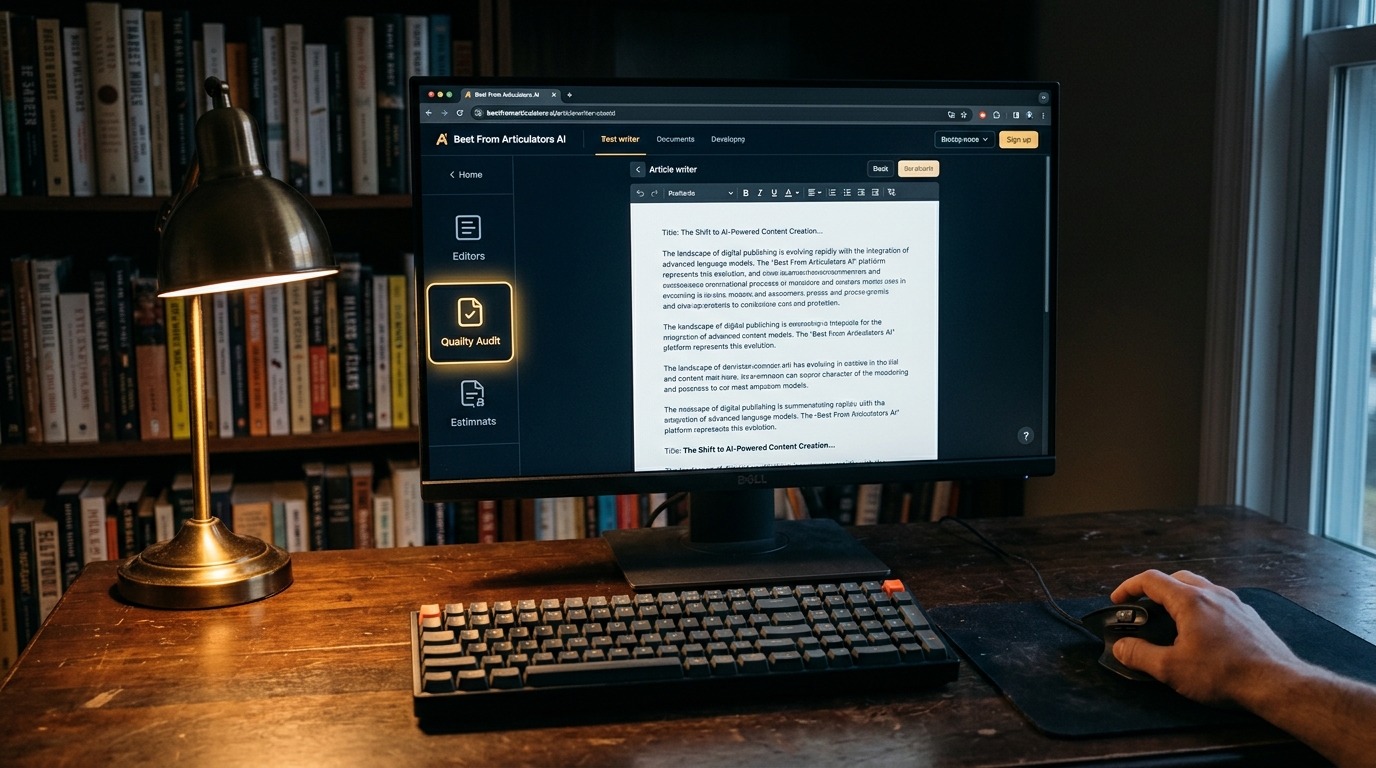
- Run the quality audit from the platform menu. On desktop screens, click the audit button on the far left sidebar. On mobile devices, tap the audit tool from the top menu buttons. The audit evaluates the piece against ranking criteria used by search engines and language models. It returns an overall metric score along with a prioritized list of suggested edits.
- Review each suggested audit fix individually instead of applying them automatically. Do not click to accept every fix without reading it first. Inspect where each suggested change sits in your article. Decide whether the edit actually clarifies the sentence or adds useful facts. Applying automated fixes blindly often hurts overall readability. Accept only the recommendations that make the piece more informative, then submit the updates to apply the changes.
Scoring Thresholds, Real-World Variables, and Knowing When You Are Done
Aiming for an audit score of 95 or higher on every piece is an unnecessary distraction. Any score over 70 indicates a high-quality article that is structurally ready to publish.
Different topics face different scoring ceilings based on real-world constraints:
- YMYL topic restrictions: Topics covering health, medicine, or personal finance fall under Google's Your Money or Your Life guidelines. These articles face strict scoring limits unless supported by high-authority external citations and expert verification.
- Competitor quality bars: Straightforward how-to guides on niche technical setups do not need massive word counts or complex semantic layers to solve the user's problem.
- Diminishing returns on credits: Running three or four consecutive audit cycles to push a score from 76 to 84 consumes excess credits without producing a measurable improvement in search visibility.
Once your article clears a 70 score and accurately reflects your practical experience, stop running audits. The draft is ready for final production.
Image Generation and Troubleshooting Common Writing Mistakes
- Generate in-article images using built-in prompts or export them to third-party tools. Articulator writes visual prompts and suggested alt text aligned with your subheadings. You can generate these images directly using account credits. If you prefer external generators like Midjourney or Nano Banana, copy the provided prompts into those tools. You can also adjust prompt details manually if a rendered scene does not fit your aesthetic standards.
Common Writing Mistakes
I made the most obvious one myself, early on. Some of the early article generations I personally did with Articulator were rushed as I wanted to complete the article as quick as possible. This led to a lower quality article due to a poor framework and the lack of input from my experience and expertise. The end result was a lower scoring article that was far below the potential of what Articulator can produce.
That is the mistake a user makes with a good tool. There are also two the tools themselves make. A lot of AI article writers suffer from two huge issues. The first one is that they require almost no human input so the user tends to add their input after the article is generated which results in easily detectable AI patterns with unnatural text blocks where the edited article switches to the real human input paragraph before switching back to more AI generated information. This tends to create quite a poor quality article in terms of readability and something that's often easy to detect.
The second issue that I think AI article writers often get wrong is self-scoring for SEO or GEO. They commonly score their own output extremely high, misleading the user that they have generated an article that will rank well on Google or be picked up by LLMs. We have done the exact opposite with Articulator, ensuring that our performance scores on metrics are realistic and not just trying to fool the user into thinking that our own tool is perfect every time.
Those two failures are why the checklist below is worth reading before you start rather than after.
| Step / Problem | Likely cause | Fix |
|---|---|---|
| Low initial audit score | Sparse answers during the interview stage | Add specific project examples, numbers, and personal outcomes to the interview step |
| Generic, repetitive phrasing | Selecting AI-polished mode instead of raw mode | Switch to raw transcript mode to preserve natural vocabulary and sentence variation |
| Audit score capped below 75 | Heavy YMYL topic constraints | Add authoritative reference links and external citations to back up claims |
| Disjointed paragraph flow | Pasting large external text blocks into the final draft | Feed your notes through the initial framework and interview stages instead |
Realistic scoring only counts for something if it is tested at volume, so here is what we put through it. I personally wrote over 300 articles during the testing phase of Articulator and our testing team contributed over 930 articles. Every single article was audited and submitted to multiple article checkers and LLMs for AI detection and critique. We spent considerable time going through every single score and critique, breaking down how we could change our algorithm to produce the most human-like content possible. No AI article writer will ever be 100% undetectable, but we believe Articulator to be the very best possible and it's already helping thousands of our clients produce high quality articles that are commonly ranking high on Google and being cited by LLMs. In production, an article has succeeded when it earns solid positions on search engine result pages and gets cited directly in answers provided by modern language models.
FAQ
What account tier do I need to connect my own Google Cloud account?
You need the $35 per month tier. This plan allows you to connect your Google Cloud API key for unlimited article generations without buying credit packs.
Can I write articles longer than 5,000 words in Articulator?
The platform currently has a strict limit of 5,000 words per article, which accommodates in-depth guides, roundups, and technical documentation.
How many audited articles can I generate on the base paid plan?
The $12 per month plan includes 25 credits. With standard usage, that allowance is enough to produce and audit around 16 complete articles.